AI digital employees for your work

Choose a role in the Lia Nexus workbench to create presentations, review contracts, or prepare Word documents.

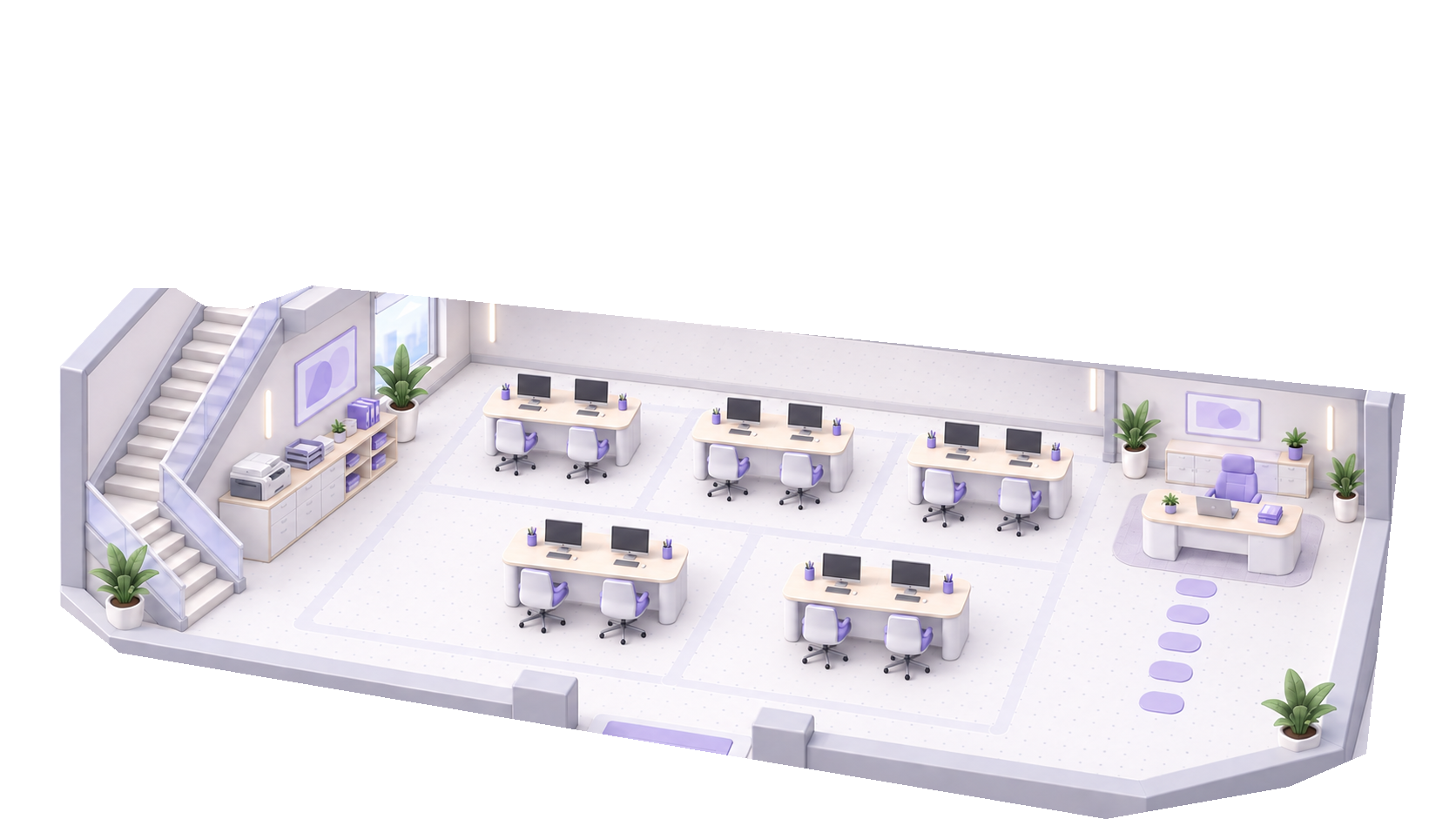
Illustration of the Lia Nexus digital employee office

Choose a role for your task

Each role has a defined job and deliverable. Say what you need and attach reference materials when they help.

PPT specialist

Create presentations for work updates, classes, or proposals.

What you provide
The topic, audience, target number of slides, and optional reference materials.
What you receive
A presentation you can preview and download as a PPTX.
Review and limits
Review the outline or sample slides as prompted, then confirm before the full deck is generated. If the template has a different slide count, you may be asked to approve the change.

Contract review assistant

Review contract clauses and organize potential risks and suggested edits.

What you provide
Paste or upload the contract and explain whose interests to consider and which clauses matter most.
What you receive
A review report with access to the original text and options to accept or skip suggestions. Export as Markdown or Word.
Review and limits
Confirm before saving the report. Have a person review the findings before you use them.

Word document specialist

Turn source materials into business proposals, reports, or meeting minutes.

What you provide
Describe the purpose, the reader, and key facts. Attach source materials as needed.
What you receive
An editable DOCX with a paginated PDF preview. Download the DOCX or PDF.
Review and limits
Check the result and request changes. Complex layouts from a source file may change.

From a request to a deliverable

  1. Choose a role

    Sign in to the workbench and pick the employee that fits your task.

  2. Send your request

    Describe what you need in the employee chat, attach materials, and answer any follow-up questions.

  3. Confirm and review

    Approve key steps when prompted. Once the result is ready, preview or download it, or request changes.

Frequently asked questions

Do I need to sign in?

You can read this page without an account. Sign in to choose an employee and send a task.

Do I have to upload a file?

You can start with a description. For contract review, paste the contract text or upload the document.

Which steps need my approval?

It depends on the task. Examples include generating a full presentation or saving a contract review report. Check key facts and content before using the deliverable.

Pick a task and open the workbench

Open the workbench